
For brands, agencies and studios
Give your AI the tools to make on-brand content.
Product photos, ads, video and label fixes from your real product. Use it from your own AI agent, or right in our app.
On your phone? Copy the link and open it on your computer.
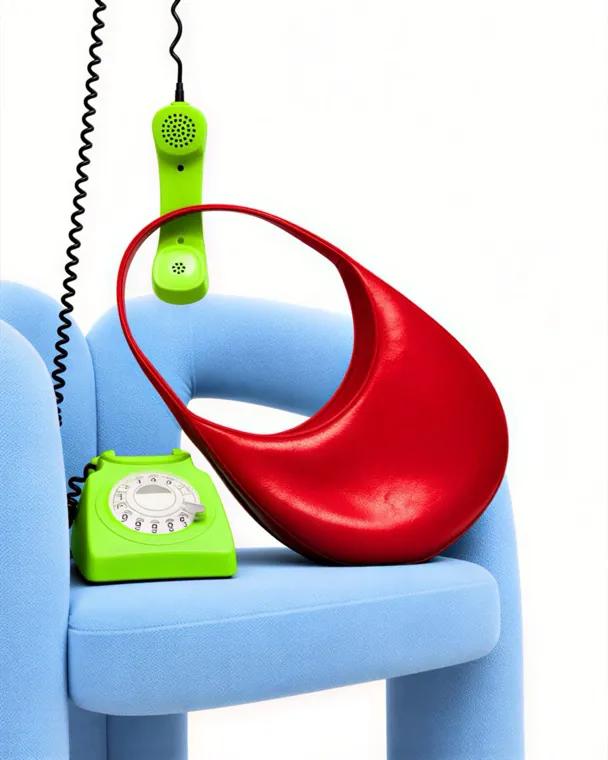
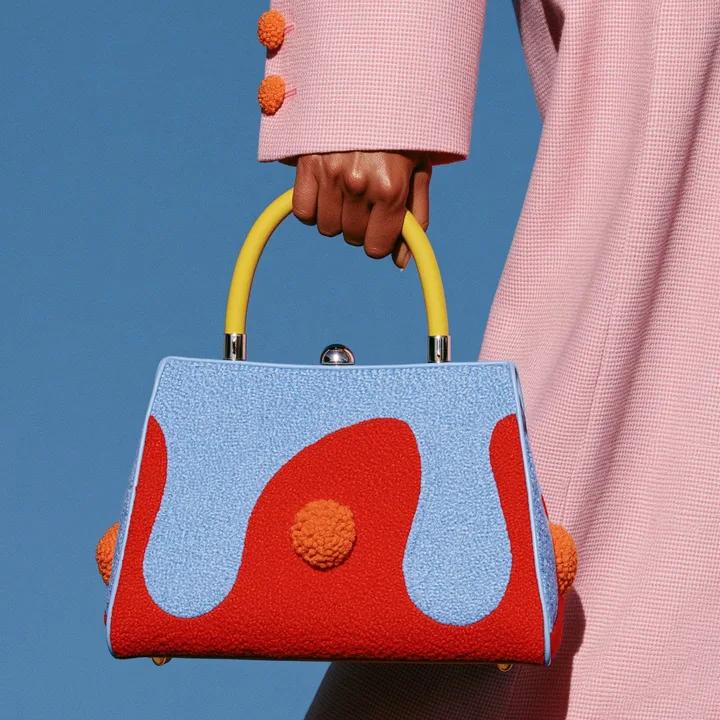
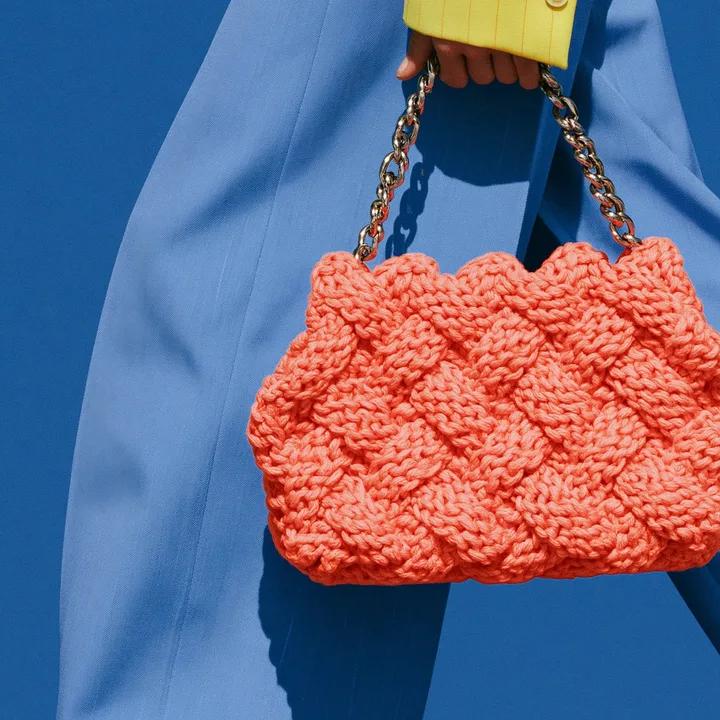
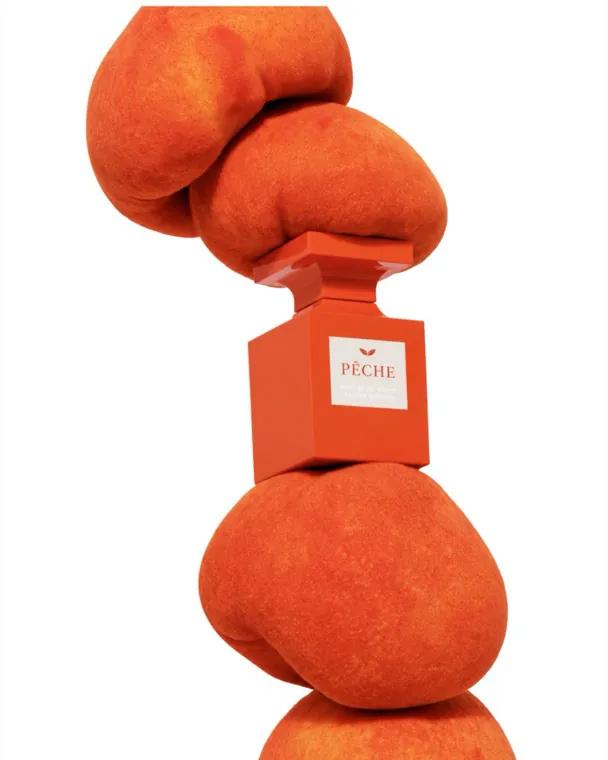
The tools
Four tools, one home for the work.
Ads
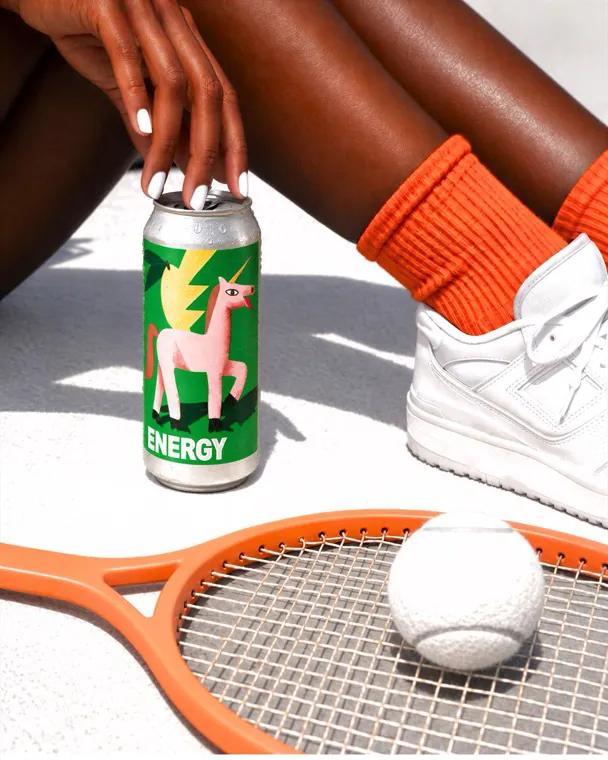
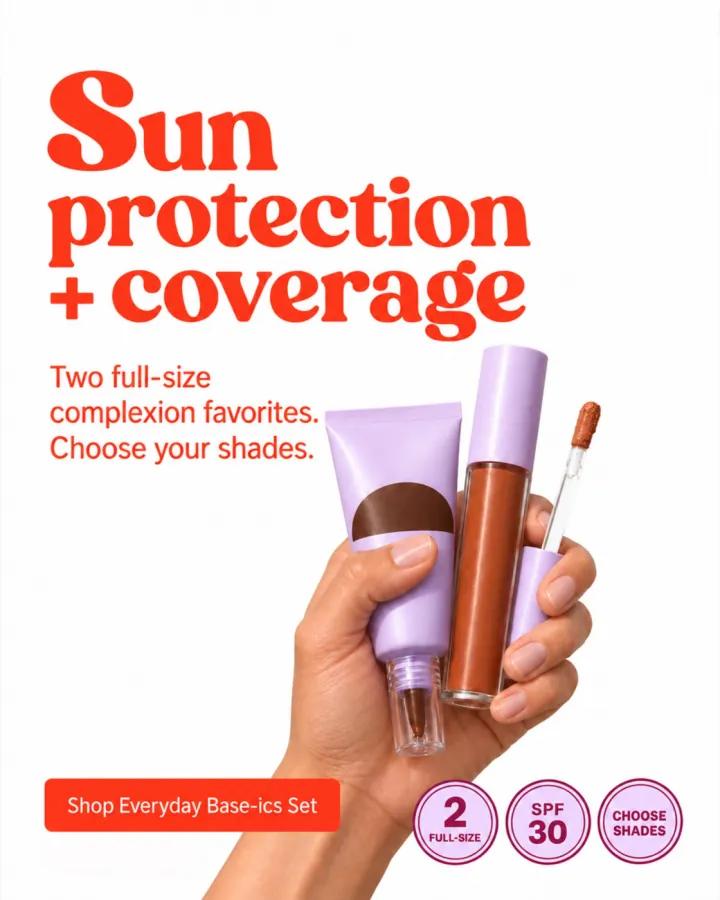
Ads in your brand’s look, from one photo and a short brief.
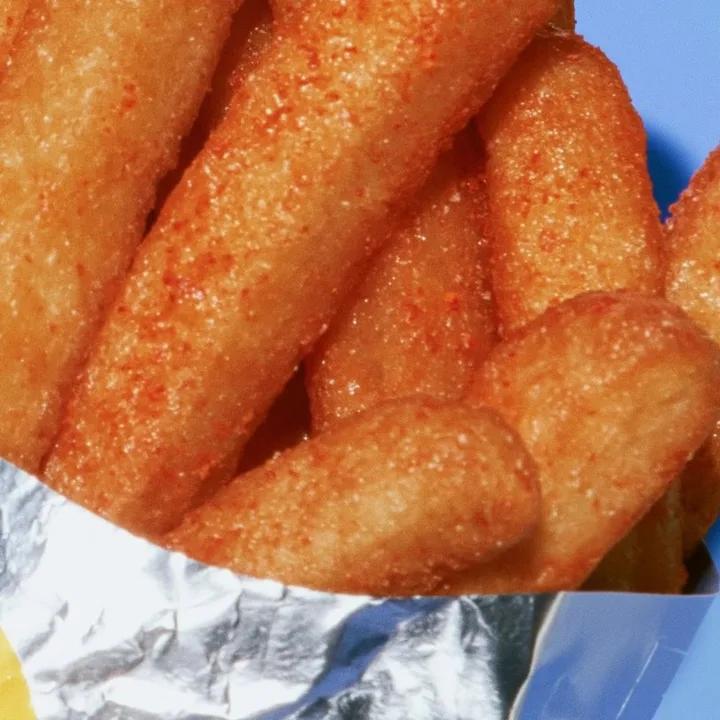
Detail Fix
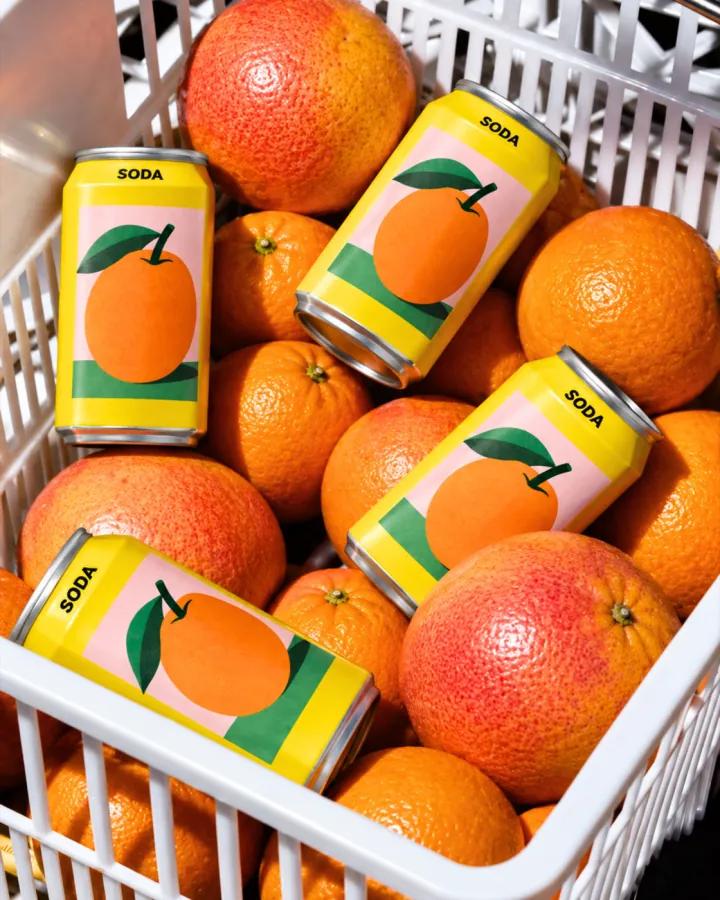
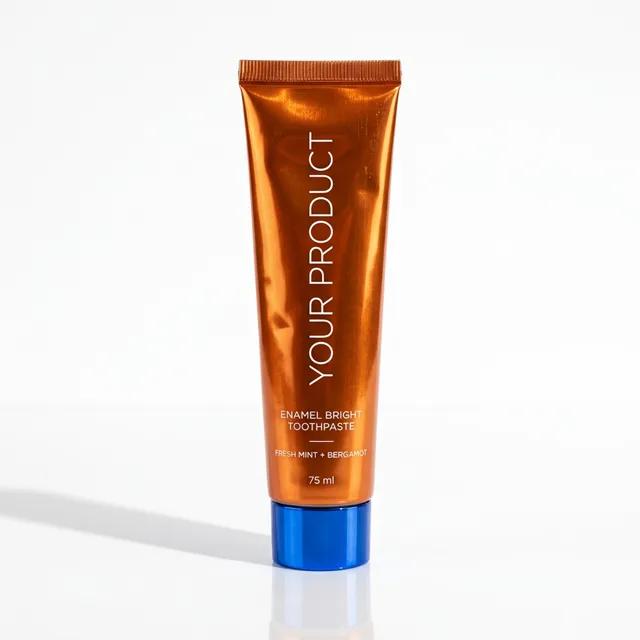
Puts garbled labels, text and logos right.
Product photos and video
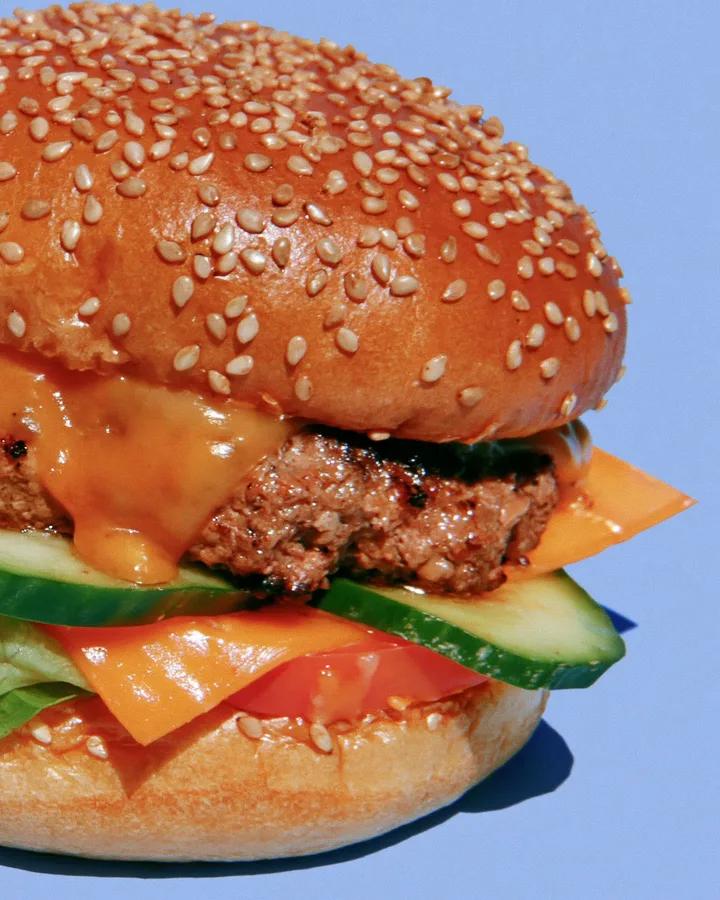
Studio and lifestyle shots, plus short videos.
Projects
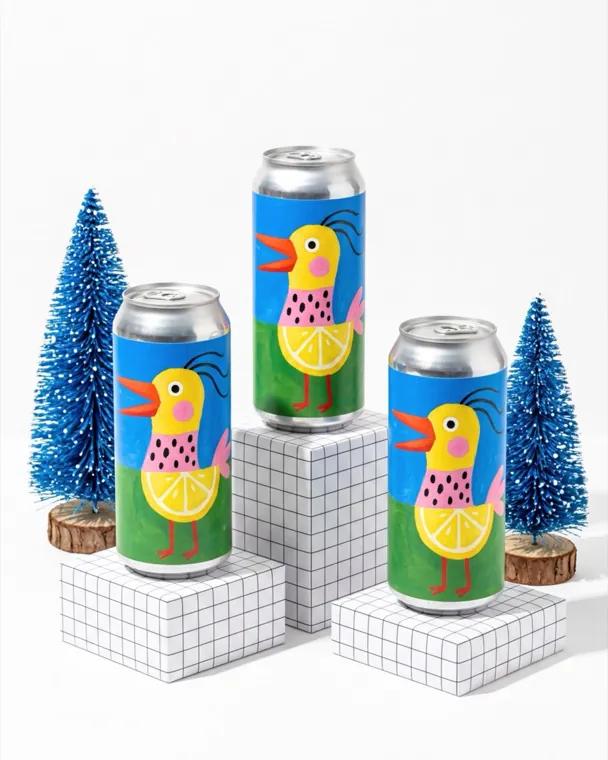
Every ask and result in one place, ready to share with your team or a client.
Why Qreates
Image models make pretty pictures. Qreates makes yours.
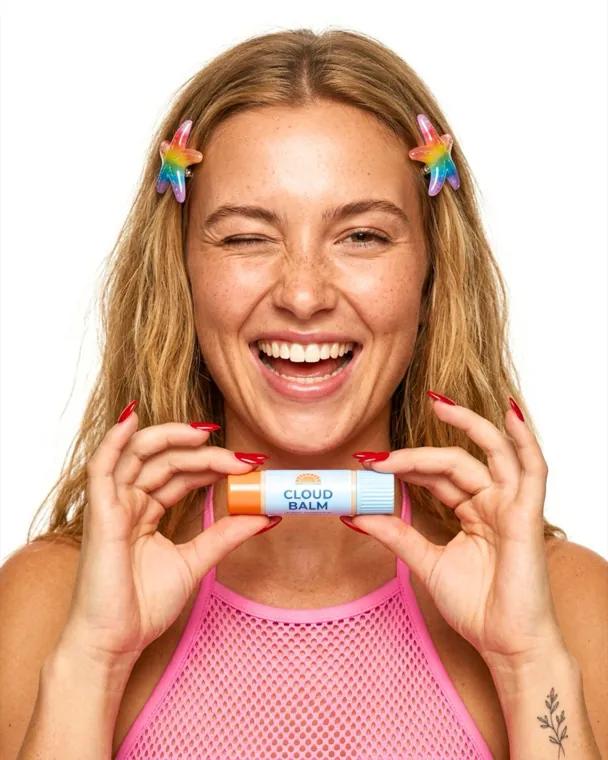
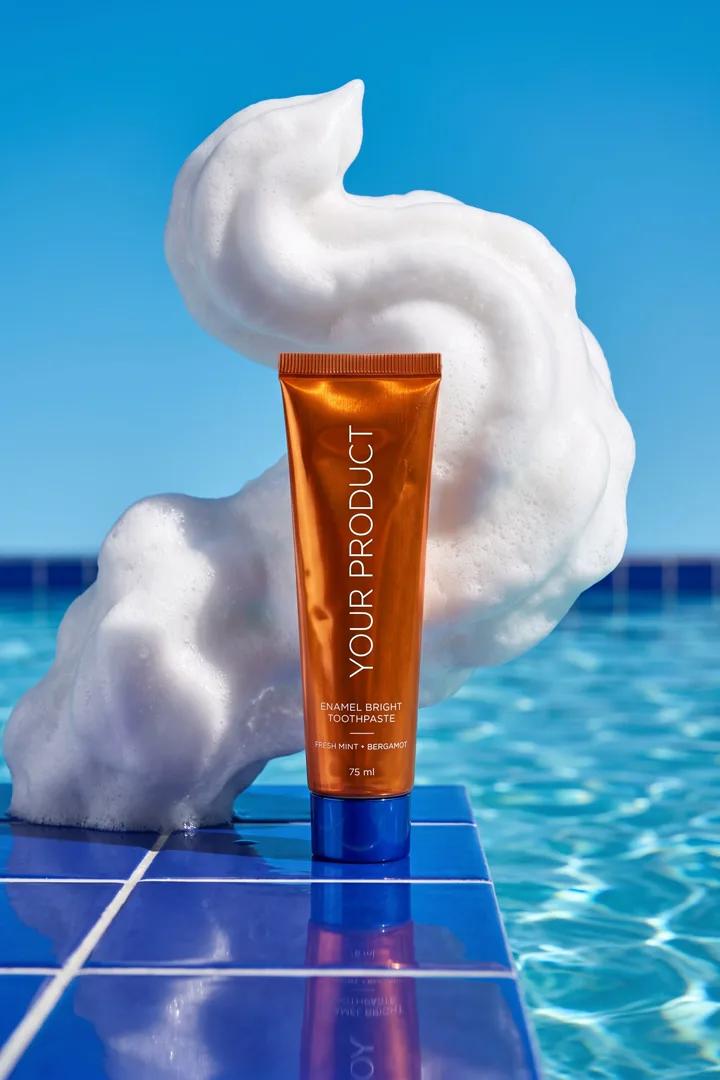
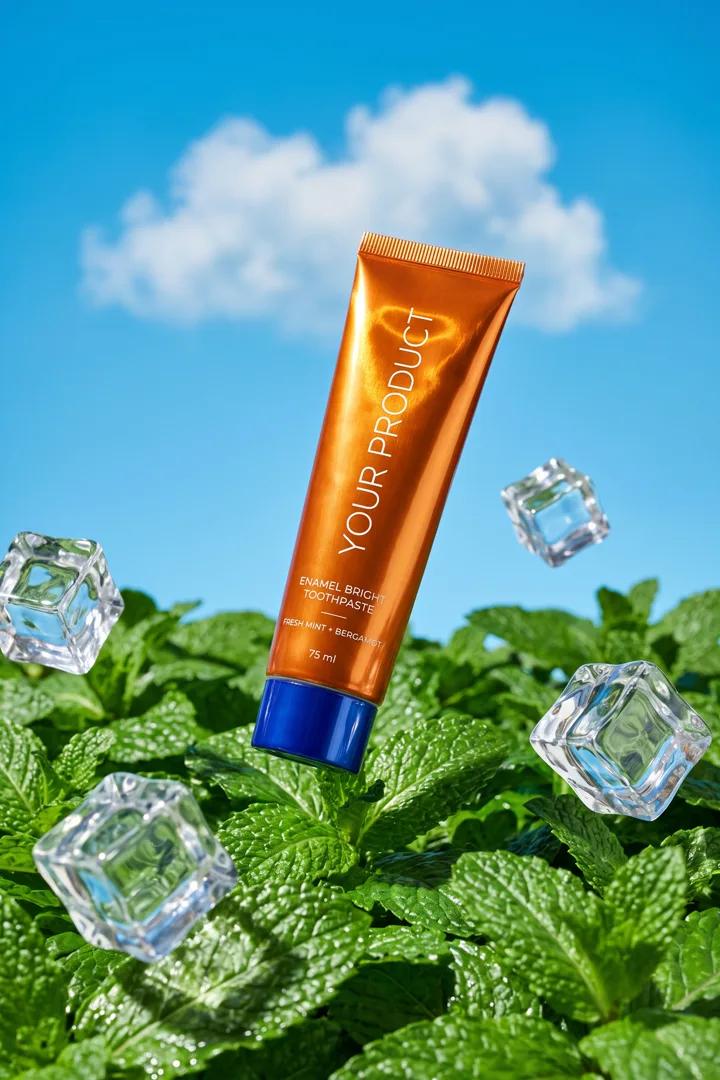
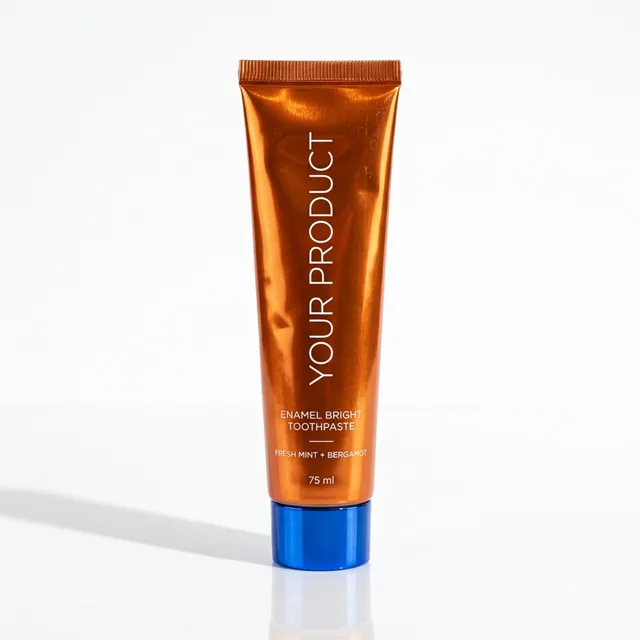
Launch looks for the tube. Bright sun, the real label, room for one line of copy.
Your product photo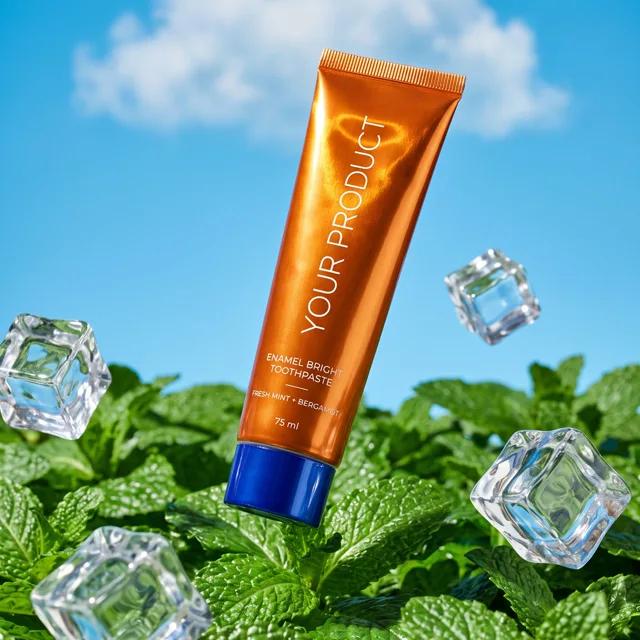
Launch looks for the tube. Bright sun, the real label, room for one line of copy.
Your product photoIt knows your brand.
Save your colours, label text, real claims and references once. Every image and ad uses them, and ads only print your real claims.
Your brand, saved once
It remembers what good looks like for you.
Each project keeps your brief, your rules and what you kept or passed on, so the next round follows your taste.
 Example: passed
 Same bottle, new scene
 Example: kept
It picks the right approach for each job.
A product photo, an ad and a label repair each need a different model and references. Qreates chooses, so you just ask.
Your product stays exact.
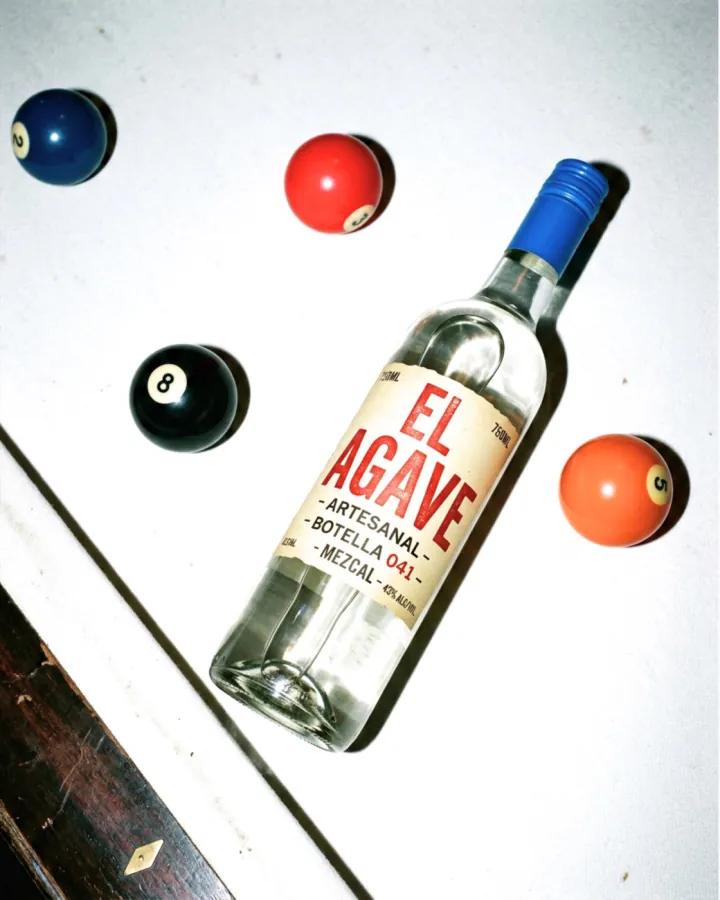
Qreates starts from your real product photo instead of re-imagining it, and Detail Fix repairs any label text a model garbles.
 Your photo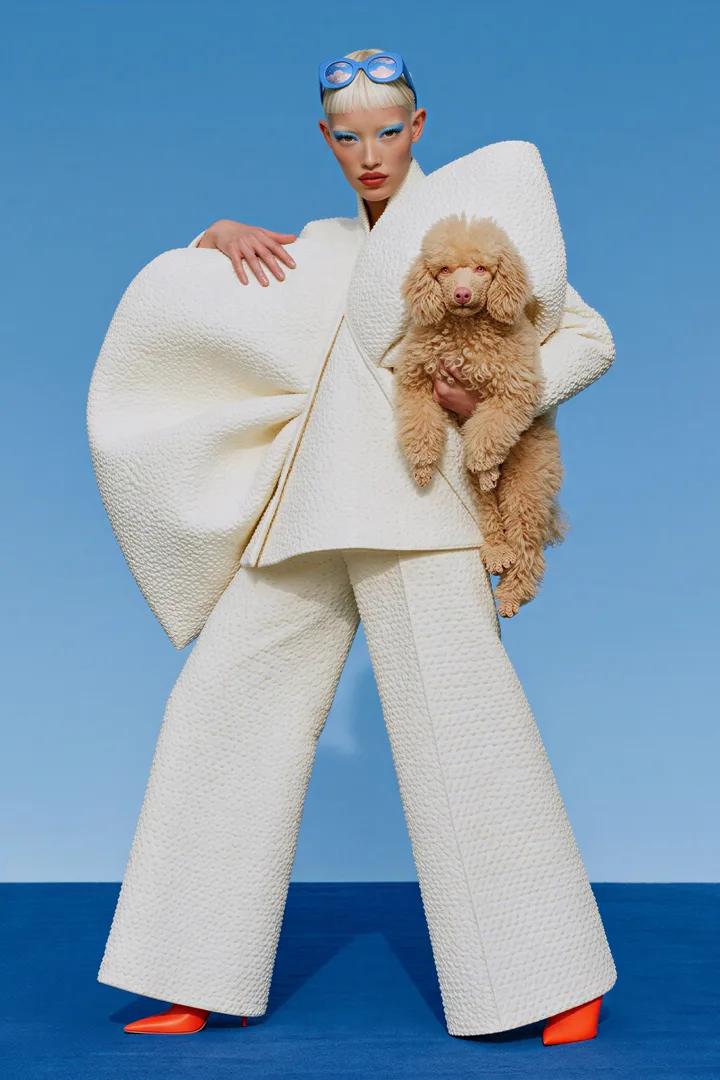
The tools
Four tools, one home for the work.
Detail Fix
Puts garbled labels, text and logos right.
Product photos and video
Studio and lifestyle shots, plus short videos.
Projects
Every ask and result in one place, ready to share with your team or a client.
Ads
Ads in your brand’s look, from one photo and a short brief.
Launch looks for the tube. Bright sun, the real label, room for one line of copy.
Your product photoLaunch looks for the tube. Bright sun, the real label, room for one line of copy.
Your product photoYour product stays exact.
Qreates starts from your real product photo instead of re-imagining it, and Detail Fix repairs any label text a model garbles.
Your photoSame bottle, new sceneIt knows your brand.
Save your colours, label text, real claims and references once. Every image and ad uses them, and ads only print your real claims.
Your brand, saved once
Why Qreates
Image models make pretty pictures. Qreates makes yours.
It picks the right approach for each job.
A product photo, an ad and a label repair each need a different model and references. Qreates chooses, so you just ask.
Example: passedPlans from $29/month
See plansIt remembers what good looks like for you.
Each project keeps your brief, your rules and what you kept or passed on, so the next round follows your taste.
Example: keptExample: keptHow it works
Three steps. You stay in charge.
- 1
Connect
Sign in and choose Allow. Some agents ask you to sign in again each session.
- 2
Ask your agent
Ask the way you’d ask a designer.
- 3
Check it on the page
Qreates shows the plan. Press Continue when it looks right.


Pick your agent
Connect in a few short steps.
Every route includes a Qreates sign-in and Allow.
One command, then sign in.
- Run this once:
codex mcp add qreates --url https://qreates.com/api/mcp - A sign-in page opens in your browser; if not, open the link the command prints. Sign in and choose Allow.
- Didn’t open? Run codex mcp login qreates.
Added Qreates before? Check the existing qreates connection uses this exact address. If it points anywhere else, stop and check it before replacing it.
Prefer to read every step first? Open the full setup guide
Ready when your agent is.
Connect, then just ask.
Connect your agentNo agent? Use the Qreates app. To fix a label there, open the picture in Canvas and choose Detail Fix, on a computer.